
Technical SEO Checklist for Small Business Websites (2026 Guide)
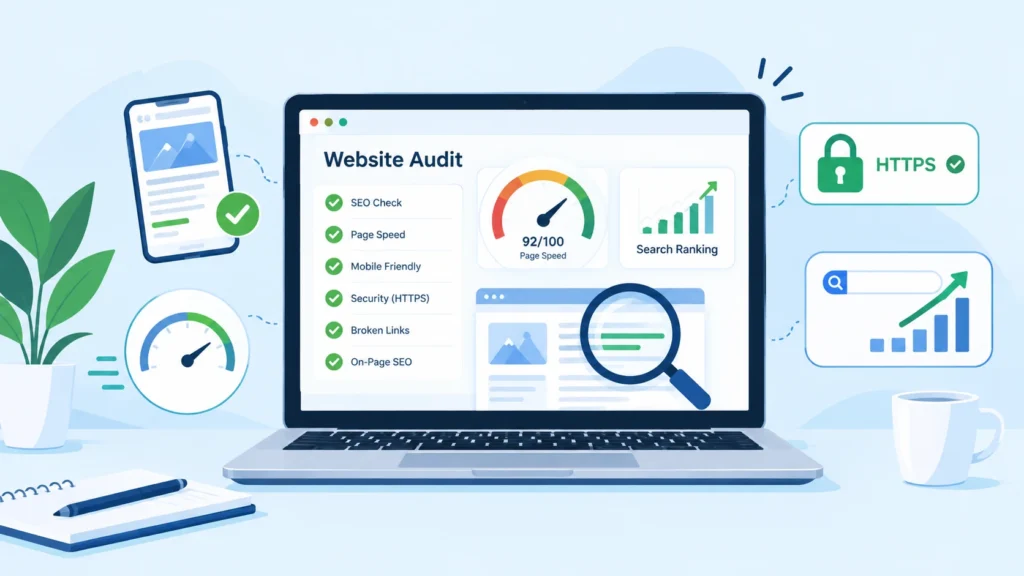
If your small business website isn’t ranking the way you’d hoped, the problem often isn’t your content — it’s the technical foundation underneath it. Search engines need to be able to crawl, understand, and trust your site before your great content even gets a chance to rank.
This technical SEO checklist walks you through every essential step, in an order that makes sense for a small business owner with limited time and no dedicated SEO team.
Why Technical SEO Matters for Small Businesses
Technical SEO is the process of optimizing your website’s infrastructure so search engines like Google can find, crawl, and index your pages efficiently. Unlike content or backlinks, technical SEO is largely a one-time setup with occasional maintenance — making it one of the highest-ROI investments a small business can make.
A site with poor technical health can have excellent content and still fail to rank, simply because search engines can’t properly access or understand it.
.
1. Ensure Your Site Is Crawlable and Indexable
Check your robots.txt file — Make sure you’re not accidentally blocking important pages from search engines.
Submit an XML sitemap — Create and submit a sitemap.xml through Google Search Console and Bing Webmaster Tools so search engines know exactly which pages to index.
Review indexed pages — Use the “site:yourdomain.com” search or Google Search Console’s Coverage report to confirm your key pages are actually indexed.
Fix crawl errors — Regularly check Search Console for 404s, server errors, and redirect issues
2. Improve Site Speed and Core Web Vitals
Page speed is a confirmed ranking factor and directly affects user experience and conversions.
Test with PageSpeed Insights — Check both mobile and desktop scores.
Optimize images — Compress and use modern formats like WebP or AVIF.
Enable browser caching and a CDN — Especially important if you’re targeting customers across different regions.
Minimize JavaScript and CSS — Remove unused code and defer non-critical scripts.
Monitor Core Web Vitals — Focus on Largest Contentful Paint (LCP), Interaction to Next Paint (INP), and Cumulative Layout Shift (CLS).
.
3. Make Sure Your Site Is Mobile-Friendly
Google uses mobile-first indexing, meaning it primarily evaluates the mobile version of your site for ranking.
Use Google’s Mobile-Friendly Test tool.
Ensure text is readable without zooming.
Check that buttons and links are properly spaced for tapping.
Avoid intrusive pop-ups that block content on mobile.
4. Secure Your Website with HTTPS
Install an SSL certificate (most hosting providers offer this free).
Redirect all HTTP traffic to HTTPS.
Check for “mixed content” warnings where secure pages load insecure resources.
5. Fix Duplicate Content and Canonicalization Issues
Use canonical tags to tell search engines which version of a page is the “main” one.
Avoid duplicate URLs caused by URL parameters, trailing slashes, or www vs. non-www versions.
Set a preferred domain in Search Console and stick to it consistently across your site.
6. Optimize Your Site Structure and Internal Linking
Keep your URL structure simple and logical (e.g., yoursite.com/services/plumbing).
Use a flat site architecture — important pages should be reachable within 3 clicks from the homepage.
Add internal links between related pages to help both users and search engines navigate your site.
Create a clear breadcrumb navigation system.
7. Implement Structured Data (Schema Markup)
Structured data helps search engines understand your content better and can earn you rich results like star ratings, FAQs, and business info in search results.
Add LocalBusiness schema if you’re a local business.
Use Product schema for e-commerce pages.
Add Review/Rating schema where applicable.
Validate your markup with Google’s Rich Results Test.
8. Audit for Broken Links and Redirect Chains
Run a crawl using tools like Screaming Frog or Ahrefs to find broken internal and external links.
Fix or remove broken links.
Replace redirect chains (A → B → C) with direct redirects (A → C) to preserve link equity and speed.
9. Check Your XML Sitemap and Robots.txt Regularly
Websites change over time — new pages get added, old ones get removed. Revisit these files quarterly to ensure they still reflect your current site structure.
10. Monitor Website Health with Google Search Console
Search Console is free and essential. Regularly check:
Coverage report — for indexing issues
Core Web Vitals report — for performance issues
Mobile usability report — for mobile-specific problems
Security issues report — for malware or hacking alerts
Quick Technical SEO Checklist Summary
Task Priority
Submit XML sitemap High
Fix robots.txt issues High
Enable HTTPS High
Improve Core Web Vitals High
Mobile-friendly design High
Fix duplicate content/canonicals Medium
Add structured data Medium
Fix broken links Medium
Optimize internal linking Medium
Monitor Search Console regularly Ongoing
Final Thoughts
Technical SEO doesn’t need to be overwhelming. Start with the high-priority items — crawlability, site speed, mobile-friendliness, and HTTPS — since these have the biggest impact on rankings. Once your foundation is solid, move on to structured data and internal linking to give search engines an even clearer picture of your site.
A small business that gets technical SEO right creates a strong base for every other marketing effort — content, backlinks, and paid ads — to perform better.